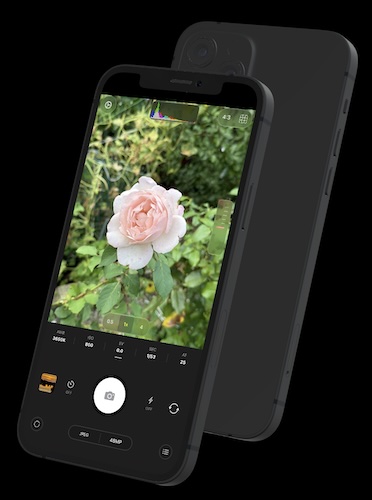
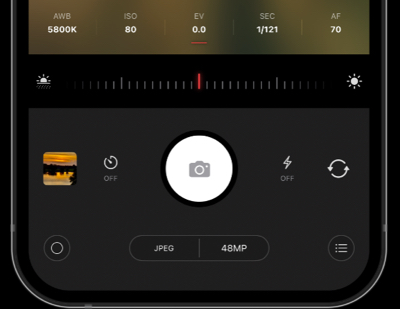
Intuitive and fluid UI combined with a list of advanced tools makes it possible even for novice mobile photographers to take full advantage of an iPhone photographic power
A camera made for you
Why Chromatica?
More creative control. Powerful tools. A camera experience built around you.
Intuitive, fluid interface
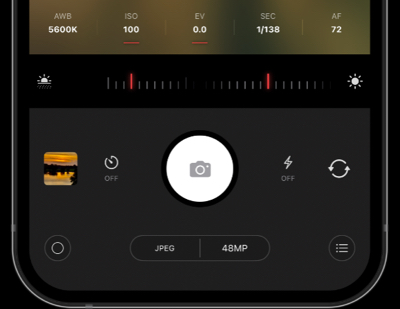
Get to the controls you need quickly with a streamlined camera interface designed to keep your attention on the shot.
Powerful photography tools
Take more control of your photos with semi-manual exposure settings, focus aids and other tools for a more considered shot.
Adjustable torch brightness
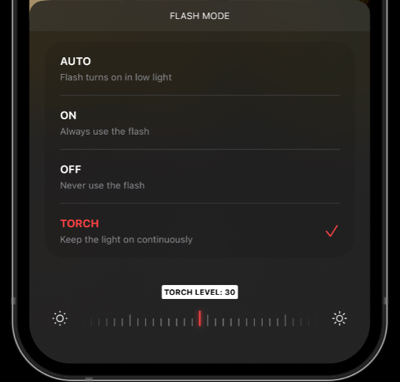
On supported devices, adjust the torch brightness to suit the scene instead of relying on a single light level.
BUILT FOR CREATIVE CONTROL
More than automatic.
The tools you need to make deliberate
photographic decisions.
Manual controls
ISO, shutter speed and focus.
01
Advanced tools
Focus peaking and histograms.
02
Precise framing
Choose the composition.
03
Depth capture
Depth data on supported devices.
04
SHOW CASE
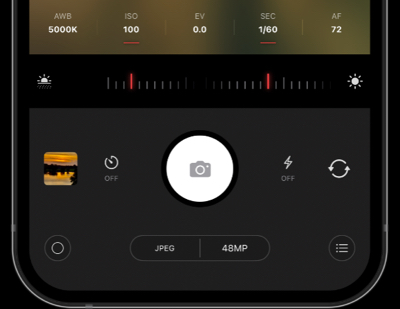
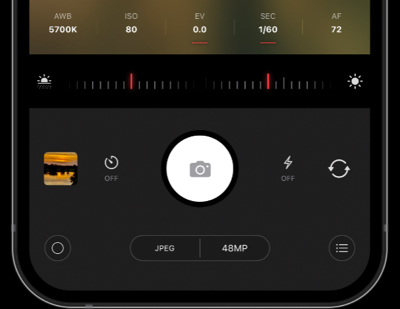
Exposure modes: auto, manual, shutter-piority and iso-priority
Your style, your signature
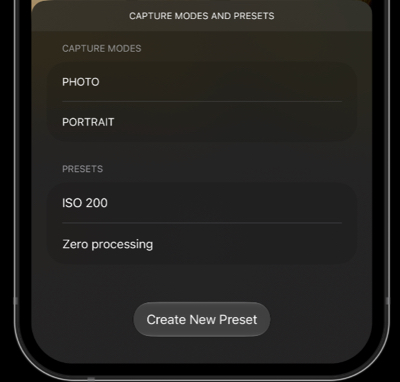
Presets. Beautiful looks. One tap away.
Spend less time adjusting and more time creating.
Discover a look you love, give your photos a consistent style,
and make every shot feel uniquely yours.
A professional look, effortlessly
Give your photos a considered finish with presets
that help shape their mood, color and character.
Get a beautiful starting point without building
every look from scratch.
Less tweaking. More creating.
Find the mood you're after in moments.
Presets make it easier to get started, so you can
spend more time capturing the scene and less time
fine-tuning every setting.
A style that feels like you
Create a more cohesive collection of photographs.
A consistent color palette and mood can help your
travel, street and everyday shots feel connected
while leaving room for your own creativity.
FLEXIBLE IMAGE RESOLUTION
Every pixel, on your terms.
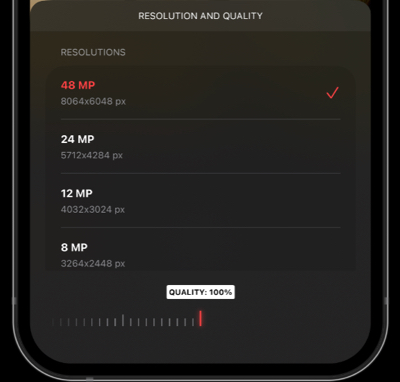
Capture the maximum resolution each camera offers
when detail matters, or choose smaller images for everyday shots.
Maximum detail
Use the highest available resolution for each camera
when you want to preserve every detail.
01
Smaller when you want
Choose a smaller image size for casual moments
that don't need maximum resolution.
02
Your camera, your choice
Set the resolution that suits the moment
and the way you prefer to shoot.
03
Ready for the moment
Keep high-resolution captures for the shots
worth revisiting, cropping, or printing.
04
SHOW CASE
Resolution, torch level and presets
SEE THE DETAILS
Take control of every frame.
See focus more clearly, judge exposure with confidence,
and understand the light and color in every shot.
Focus peaking
Highlight in-focus edges in real time, helping you
see exactly where your image is sharp.
Focus loupe
Magnify the preview to inspect fine details
and fine-tune focus with greater precision.
Exposure clipping zebras
Identify areas at risk of overexposure with zebra
patterns, so you can protect important highlights.
Luminance histogram
Understand the distribution of shadows, midtones
and highlights to help judge overall exposure.
Color histogram
Examine the distribution of color channels to better
understand color balance and potential channel clipping.